
Job seekers
Make a strong first impression on LinkedIn and your resume, no studio booking.
- Plain backdrop, even light
- Head-and-shoulders crop
- Several takes to pick from
Upload a regular photo and the AI turns it into a studio headshot: blazer, plain backdrop and soft light. For LinkedIn, your resume or your website.
Use this templateOpens the image generator with this style already typed in. Just add your photo.


A well-lit photo of you with your face clearly visible. The style prompt is already in the box.
Square, portrait or landscape, 1 to 4 images and the model you like, or let Auto choose for you.
The AI redraws your photo in that style. Not quite right? Tweak the prompt and run it again. No watermark on your plan.
Job seekers, freelancers and small teams that want matching headshots.
Make a strong first impression on LinkedIn and your resume, no studio booking.

A photo for your site, proposals or Google profile that people trust.

Get everyone on the team page with the same backdrop and lighting.
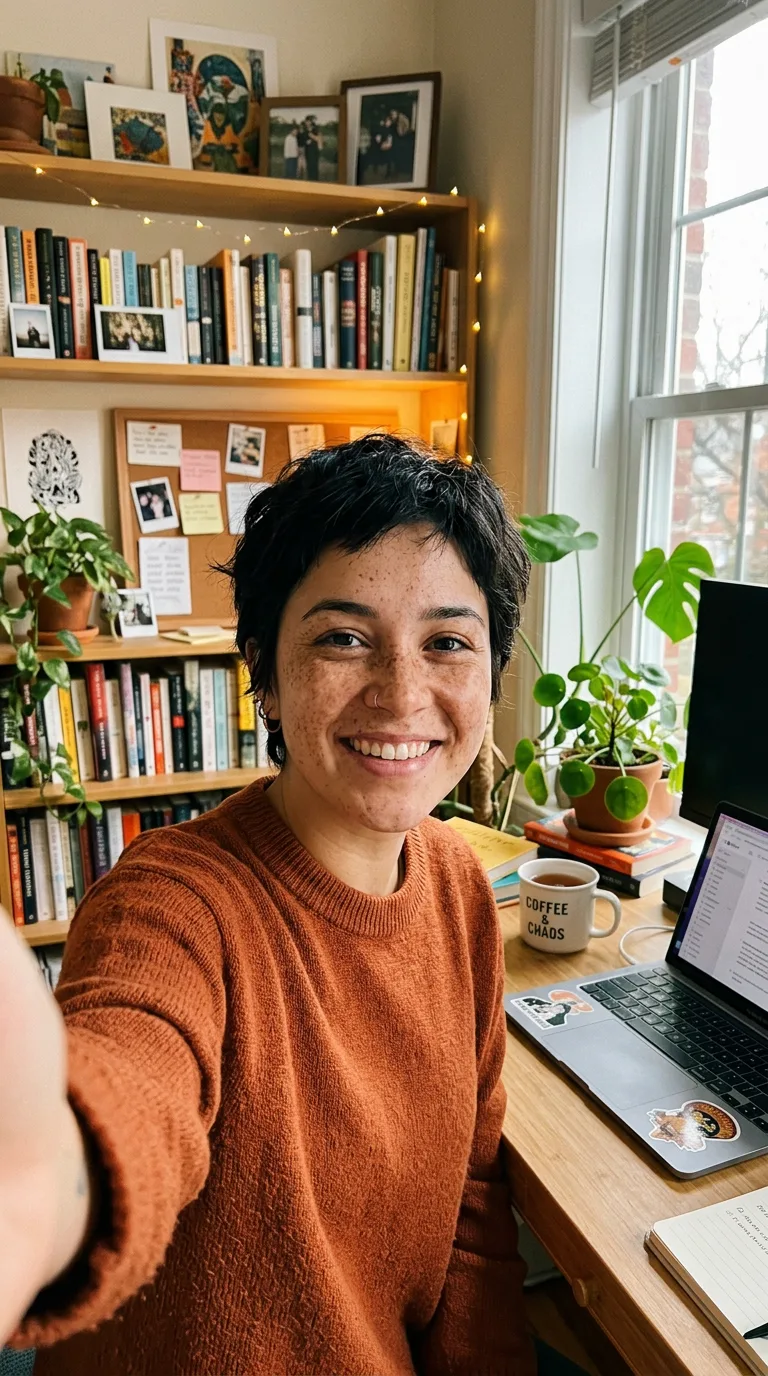
A photo from home or a trip works, as long as your face is clear. The AI changes the outfit, backdrop and light; your features stay recognizable.
 A casual photo works
Get the same headshot square for LinkedIn, portrait for your resume or landscape for your site. Adjust the tone in the prompt.
 Square, portrait or landscape
Same starting point, a different result.

Anime
Turn your photo into an anime character

Military portrait
You in uniform, dress or combat

Renaissance portrait
Your face in a 16th-century oil painting

Cyberpunk
Neon lights, rain and a city at night

Superhero
Suit, cape and the city at your feet

King or queen
Crown, ermine robe and a golden throne

Y2K
Direct flash and silver, straight from 2002

Vinyl figure
You as a big-head figure, in the box