Photo restoration
Restore your photos
Remove scratches, stains and tears, and add color if you like. Everyone stays exactly as they were.
Drop your photo hereYou can also paste it with Ctrl+V · JPG, PNG or WebP
No photo at hand? Try one:
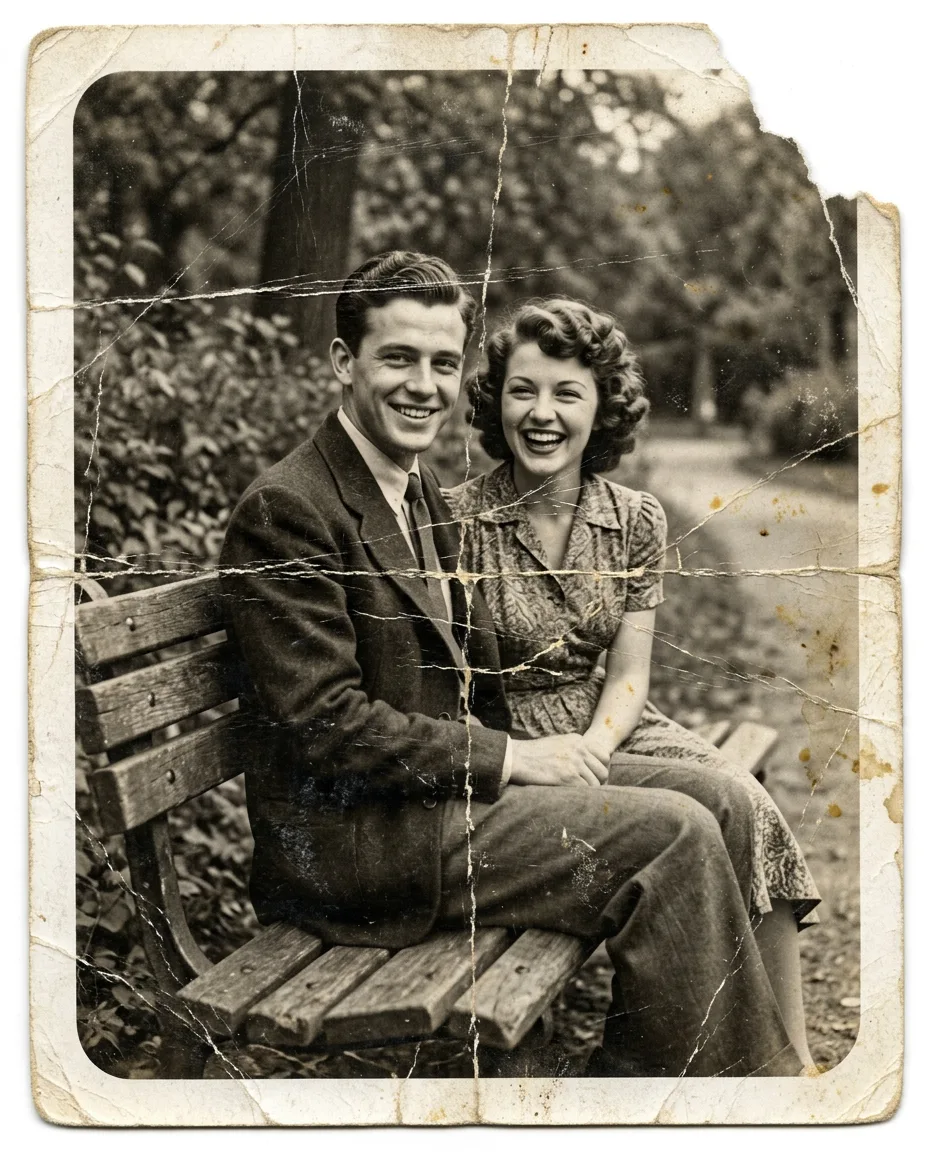
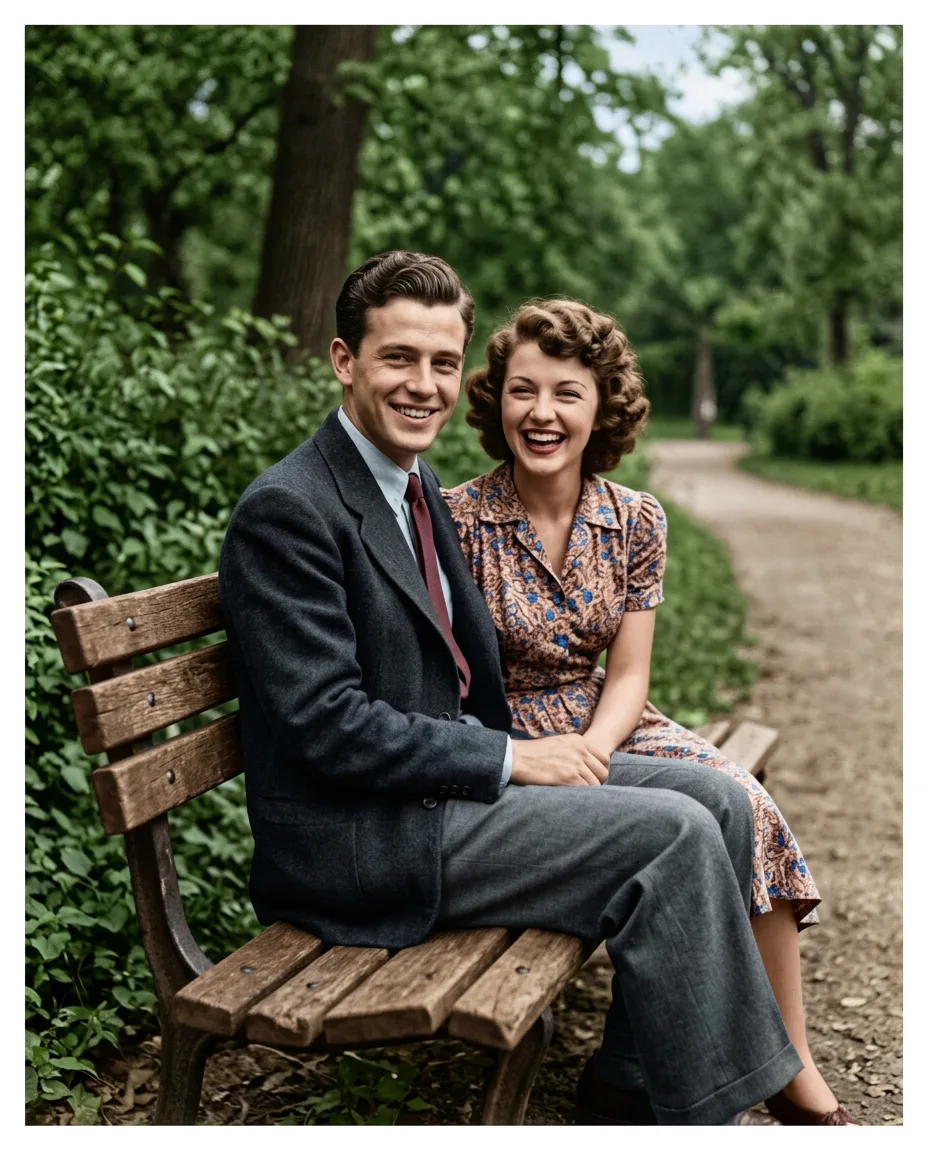
The best models, in one place
Nano Banana 2Muse ImageGPT Image 2.5Seedream 5 ProRecraft 4.1MiniMax H3 MaxGemini OmniKling 3.0Veo 3.1Seedance 2.0Wan 3.0
How it works
01
Upload the photo
Scanned or photographed with your phone, without glare if you can.
02
The AI restores it
It removes damage, recovers detail and fixes the color.
03
Keep it
Ready to print, frame or share with family.
Ready to publish
We generate it with the best AI models and you download it in high quality, ready for your site, your socials or your ads.
HDhigh-quality download
30 dayswe keep your files, then they're deleted
Everything you can do with Imagefy
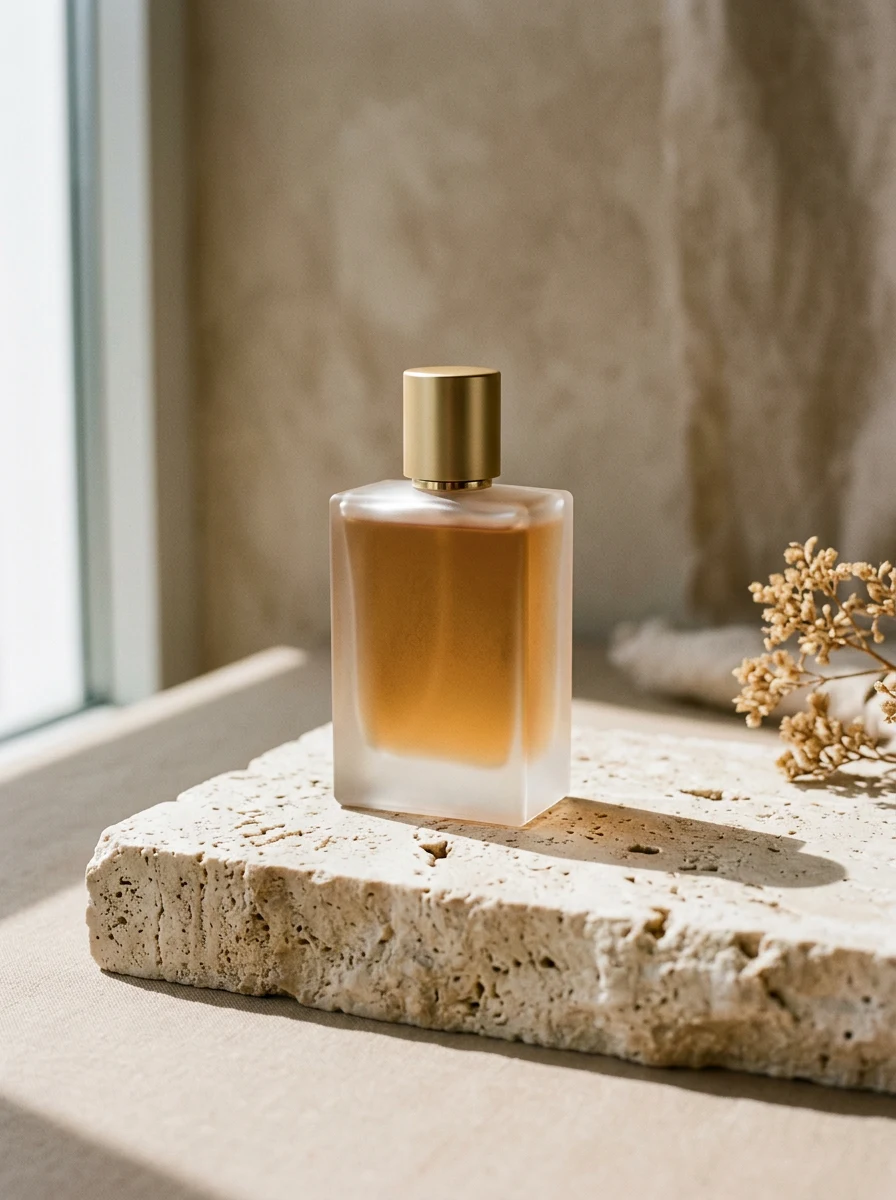
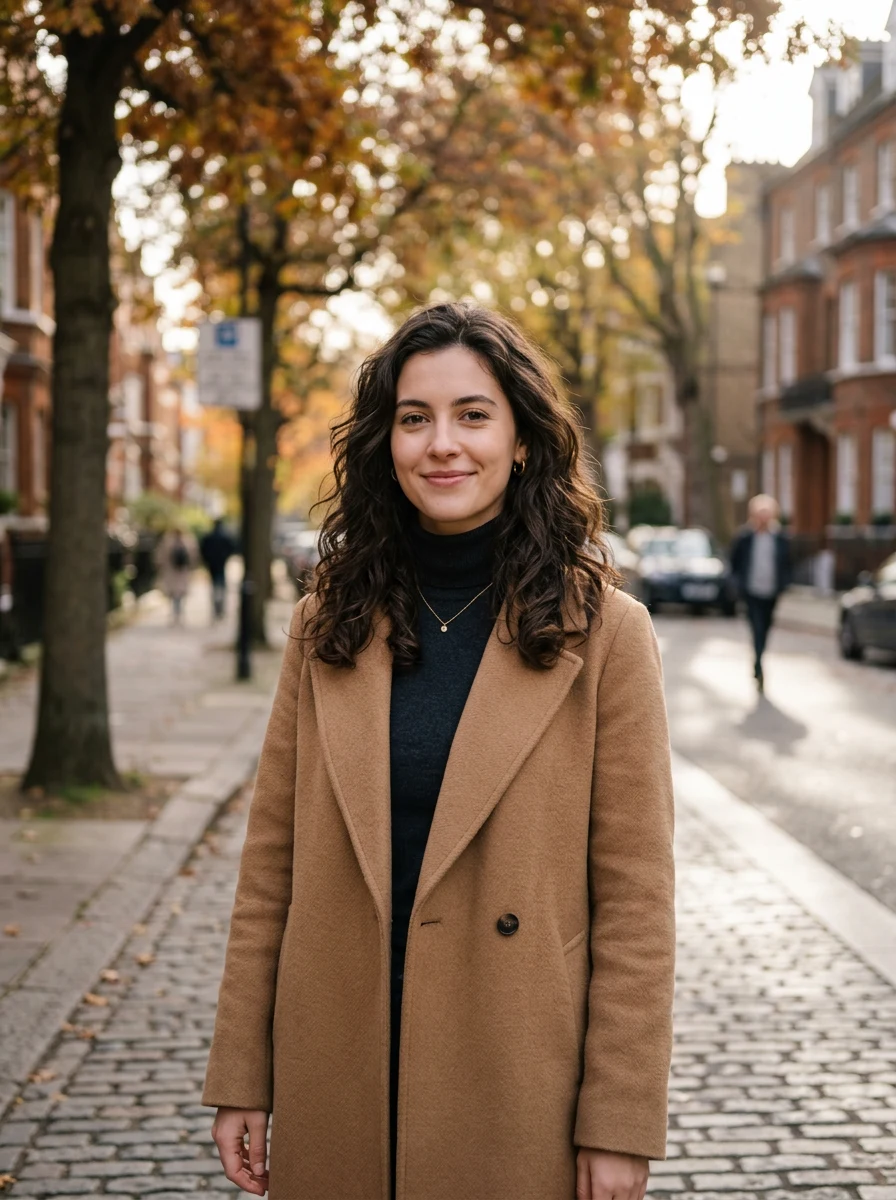


Quick edits
Tools for editing your images and videos
Background & object removerCut out the background or erase what doesn't belong.Image upscalerMore resolution without the blur.Image expanderChange the format and AI fills the sides.Generative fillPaint an area and AI draws what you ask for.Watermark removerRemove watermarks, logos, text and dates from your photos.Video watermark removerRemove logos, text and watermarks from your videos.Compress imageLighter JPG, PNG and WebP.Compress videoMP4 and MOV for WhatsApp or the web.Convert imagePNG to JPG, JPG to WebP and more.
Video ads
Video ads in any format
Frequently asked questions
Does it change faces?
No: restoration keeps every person as they were, with their expression and clothes.
Does it add color?
It recovers faded colors. If it's black and white, it can colorize it.
Which photo should I upload?
The best one you have: a scan is ideal; with a phone, straight on and without glare.