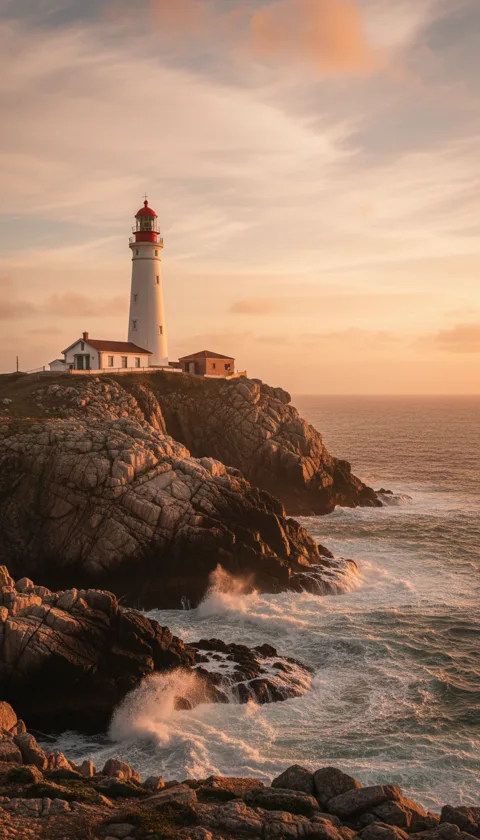
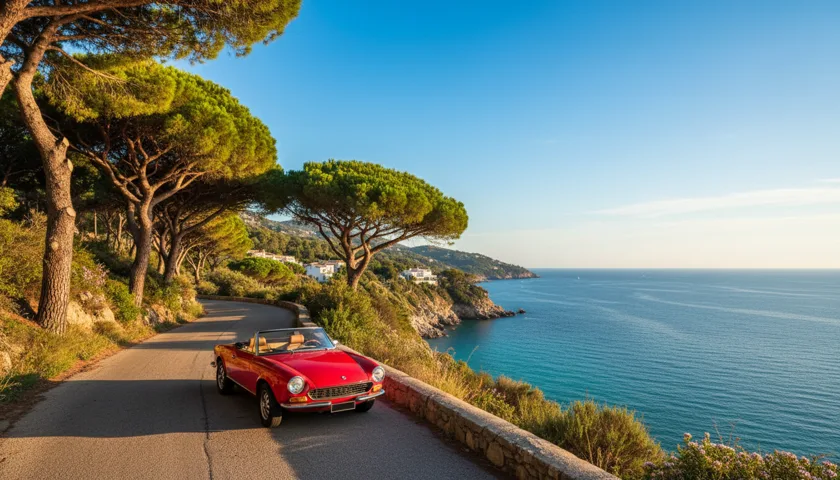
Image expander
Expand your image with AI in any direction
Go from portrait to landscape or story format without cropping: the AI fills in the edges.
Drop your photo hereYou can also paste it with Ctrl+V · JPG, PNG or WebP
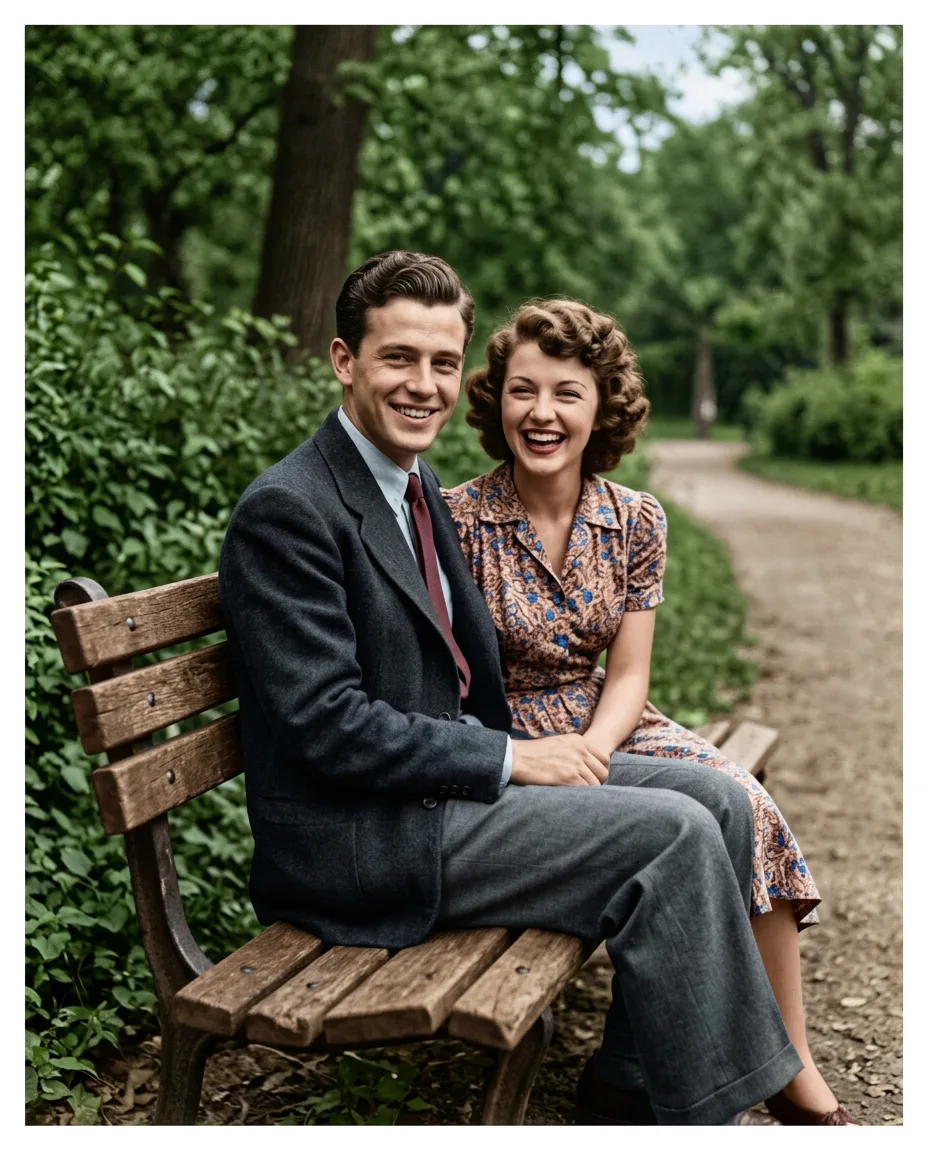
No photo at hand? Try one:
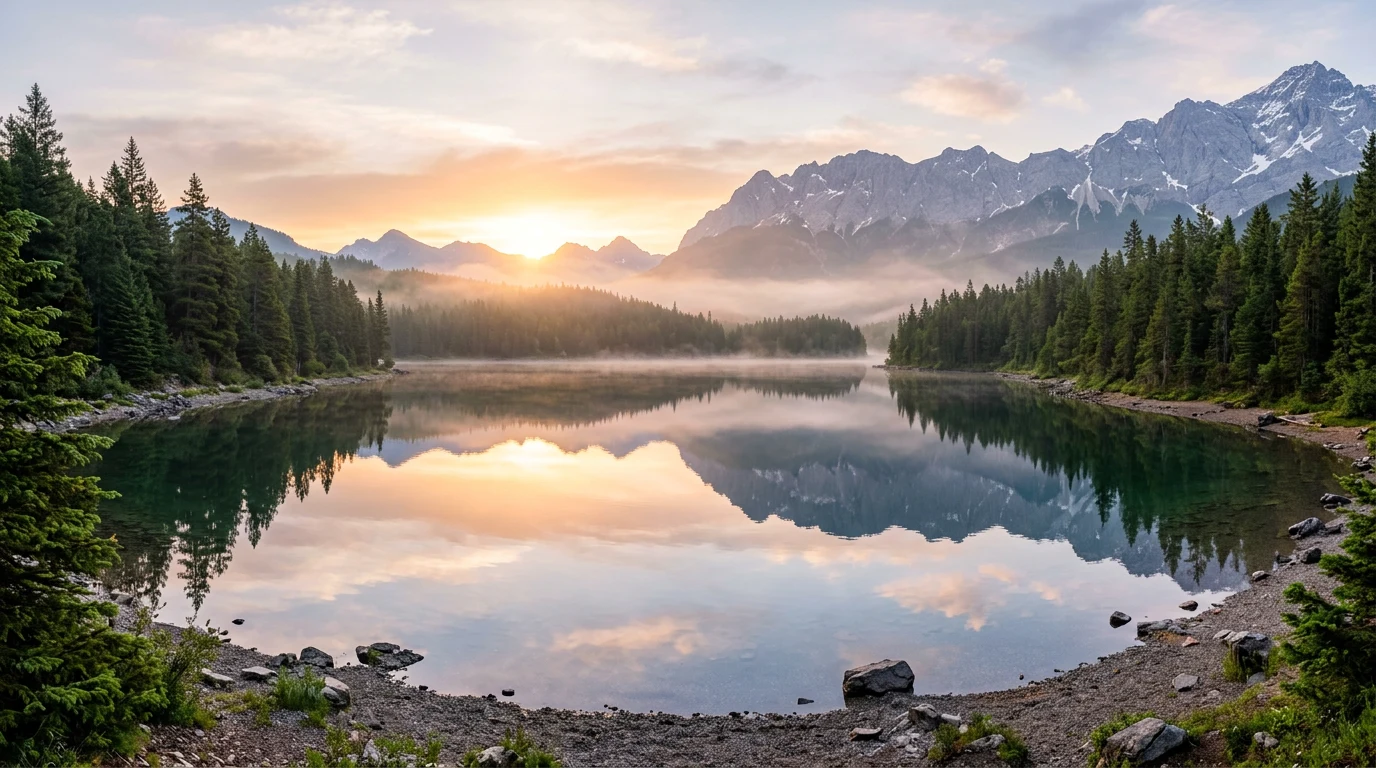 BeforeAfter
How it works
01
Upload the photo
The one that's too tight.
02
Pick the format
16:9 for YouTube, 9:16 for stories, 1:1 for the feed…
03
The AI completes it
It continues what's at the edges, with the same light and style.
Ready to publish
We generate it with the best AI models and you download it in high quality, ready for your site, your socials or your ads.
HDhigh-quality download
30 dayswe keep your files, then they're deleted
Everything you can do with Imagefy




Quick edits
Tools for editing your images and videos
Background & object removerCut out the background or erase what doesn't belong.Image upscalerMore resolution without the blur.Generative fillPaint an area and AI draws what you ask for.Watermark removerRemove watermarks, logos, text and dates from your photos.Video watermark removerRemove logos, text and watermarks from your videos.Compress imageLighter JPG, PNG and WebP.Compress videoMP4 and MOV for WhatsApp or the web.Convert imagePNG to JPG, JPG to WebP and more.Resize imageExact pixels or percent.
Video ads
Video ads in any format
Frequently asked questions
Can you tell where the invented part starts?
The AI continues the same light, color and perspective so the seam doesn't show.
Can I tell it what to fill with?
Yes: write what you want to see —a beach, a living room, more sky— or leave it empty and AI continues the scene.
Which formats can I pick?
The usual ones for social and web: 1:1, 4:5, 9:16, 16:9 and more.